

A Side-by-Side Comparison for 2027
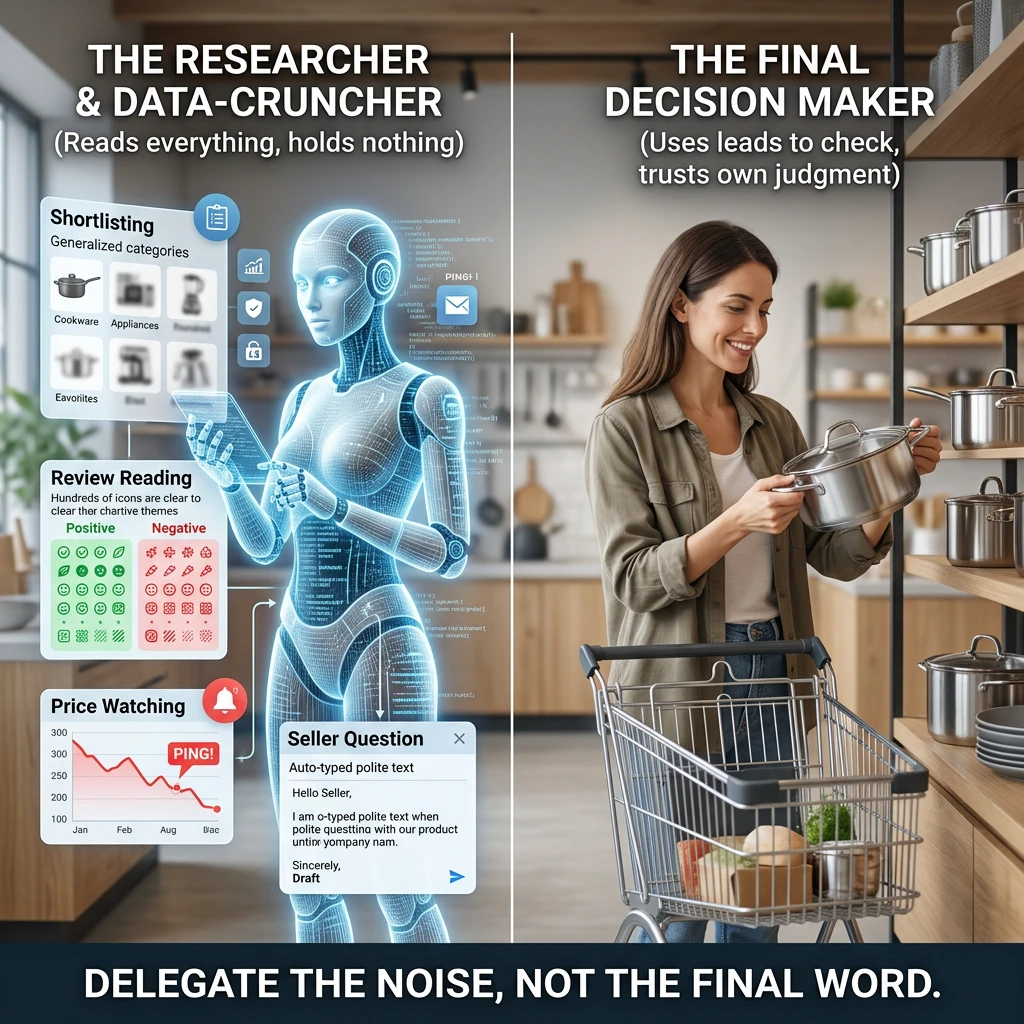
A price tracking extension watches a product’s price for you and tells you when it changes. The best price tracking extensions do that with one job done well, so you only need one of them, not five.
This guide sorts trackers by how they work, runs them through one checklist, and ends with a pick for each kind of shopper. No top ten list, no podium. Your browser toolbar is already crowded enough. 🛒
What does a price tracking extension actually do?
It reads the product page you are on, finds the price, and compares it with something. That something is either the price’s own past (history), a price you named (an alert), or what other stores or coupon codes offer (comparison).
Everything else is packaging. A tracker that shows a tidy chart and one that buzzes your phone are doing the same basic work with different delivery. Once you see that, the long feature lists on store listings stop looking so impressive.
The reason to use one is simple. A price with no context tells you nothing. A £60 jacket looks like a bargain until the chart shows it was £45 three weeks ago.
Pick from three kinds of price trackers
Trackers fall into three groups. Each suits a different kind of shopper, and most of the confusion comes from not knowing which group a tool belongs to.
Price history chart tools
These show a line graph of a product’s past prices on the page you are viewing. You see the highs, the lows, and whether today’s “deal” is a real dip or a normal Tuesday.
Keepa and CamelCamelCamel are well known examples, and both are built around Amazon. If most of your shopping happens there, a chart tool answers the question “is this a good price?” faster than any other kind.
This kind suits the patient shopper who can wait and likes evidence before spending. It is less useful if you shop across many small stores.
Drop alert tools
Alert tools care less about the past and more about the future. You tell them the price you are willing to pay, and they notify you when the product reaches it.
Many chart tools also offer alerts, so the groups overlap. The difference is where the tool puts its effort. An alert tool is designed around the watch list, with the product and your target price as the main screen.
This kind suits the shopper who already knows what she wants and just needs it to cost less. Set it, forget it, wait for the ping.
Coupon bundled tools
These lead with coupon codes. When you reach checkout, they try codes automatically, and price tracking is one feature among several. Honey, for example, pairs coupon testing with a price tracking list called Droplist, and Capital One Shopping bundles comparison, coupons and tracking.
This kind suits the shopper who buys on impulse at checkout and wants a safety net. Tracking is usually the secondary feature, so test how well it works before you trust it with a big purchase.
One warning. Coupon tools often earn money from the stores they send you to, so their “best deal” is not always the best deal for you. That does not make them bad. It means you should glance at the final price yourself before you click pay.
Use one checklist for every tracker
Comparing trackers by their marketing pages is like comparing restaurants by their menus’ adjectives. Use the same five questions every time and the differences show up fast.
- Stores covered. Does it work on the shops where you actually buy? A brilliant tracker that ignores your favourite retailer is a very elegant paperweight.
- How alerts reach you. Email, browser notification, or phone app? Pick the one you will really see.
- Price history. Does it show a chart, how far back does the chart go, and does it cover the product you care about?
- Permissions and data. What does it ask to read, and is that limited to shopping sites?
- Cost. Is it free, free with a paid tier, or paid? Check the current price on the extension’s own page, because plans change.
Write the answers down for the two or three trackers you are considering. Five minutes of this saves you from the “install, forget, wonder why my browser is slow” cycle.
Compare the main contenders side by side
Here is the comparison, using the three groups above and the examples named. Where a detail changes often, such as price or the exact list of stores, the table points you to the listing rather than guessing.
Tool type | Example | Built around | Best for | Check on the listing |
|---|---|---|---|---|
Price history chart | Keepa, CamelCamelCamel | Amazon product pages | Judging whether a price is genuinely low | Alert options, cost of any paid tier |
Drop alert | Keepa and similar tools with target prices | A watch list with your chosen price | Waiting for one specific item | How alerts reach you, how many items you can watch |
Coupon bundled | Honey, Capital One Shopping | Checkout and coupon codes, with tracking added | Impulse buyers who shop at many stores | Store coverage, what data it collects, cost |
A few honest observations from reading across that table.
Chart tools win on evidence. If your question is “is this a real discount?”, nothing beats seeing the line.
Alert tools win on convenience. You do the work once, then the tool does the watching.
Coupon bundled tools win on breadth. They cover more stores for more kinds of shopping, but their tracking features are usually less deep than a dedicated chart tool, and you should confirm what they cover before relying on them.
Features and store coverage shift over time, so confirm the details on each tool’s page on the day you install. If you want to see a specific extension run through this checklist, tell me in the comments at the end and I will add it to the comparison.
Do price drop alerts really arrive in time?
Sometimes, and it depends on three things you can check.
First, how often the tool looks at the price. A tracker that checks a few times a day will miss a drop that lasts an hour. Some listings say how often they check, and if one does not, treat that as information.
Second, how the alert reaches you. An email that lands in a folder you open once a week is an alert that arrives late no matter how fast it was sent. A browser notification or phone alert gets to you sooner, but only if you leave notifications switched on.
Third, what kind of sale it is. A slow seasonal markdown will wait for you. A limited stock deal or a flash sale may not, and no tracker can make stock last longer.
A practical habit helps here. When an alert arrives, open the product page and check the price yourself before buying. Prices can change between the moment an alert is sent and the moment you click. Trust the alert, then verify it. 😉
Check what you hand over before you install
Any extension that reads product pages needs permission to read those pages. Some ask for far more than that. It is worth five minutes before you click “Add”.
Start with the permission wording on the store listing. Browsers show a plain sentence describing what the extension can do, and wording such as reading and changing your data on all websites is the broadest kind. A tracker that only needs shopping sites should ideally not need every site you visit.
Then check three more things.
- The privacy policy. Look for whether it says your browsing data is collected, and whether it is shared or sold.
- The developer. Is there a real company or person behind it, with a website and support contact?
- Reviews and update history. A tool that has not been updated in a long time may not work properly on the stores you use.
For a fuller explanation of what these tools can see, I covered it in what browser shopping assistants can actually see about you, so I will not repeat it all here. The short version is that a tracker should ask for what it needs and no more.
Choose one by shopping habit
Here is the pick, sorted by how you shop. Choose the line that sounds most like you.
You shop mostly on Amazon and like proof. Install a price history chart tool. It answers your main question every time you open a product page.
You already know the one thing you want. Install a tool with strong drop alerts and set a target price. Then leave it alone and stop refreshing the page like it owes you money.
You buy across many stores and love a coupon. Start with a coupon bundled tool, and read its permissions and privacy policy carefully, since it sees the most of your shopping.
You buy rarely but spend big. A chart tool plus a manual look at the final price. For a large purchase, the history is worth more than a discount code.
You hate clutter. Pick one tool, uninstall the rest, and run it for a month. Two trackers watching the same product do not find lower prices, they just send you two emails.
Pick one. If it does not fit your habits after a few weeks, swap it for another group, not another tool in the same group.
Set your first alert and stop second guessing
Setting up an alert takes about two minutes. Here is the routine.
- Install one extension from its official store listing, after running the checklist above.
- Open a product you actually want, not a product you might want someday.
- Check the price history if the tool shows one. Note the lowest price it has reached.
- Set your target price near that low point, not at a wildly optimistic number. A target far below anything the product has ever cost will never trigger.
- Choose how you want to be told, and pick the channel you check daily.
- Leave it for a week or two, then review. If nothing has fired, the target may be too low, or the product may just not drop often.
Once an alert is running, you can buy or wait without the nagging feeling that you missed something. The tracker is watching, the chart shows the history, and the decision becomes simple. Price at or below your target means buy. Above it means wait.
That is the real value of a tracker. It does not find magical bargains. It removes the guesswork, and it lets you spend your attention on choosing things you actually love. 😄
Now it is your turn.
Tell me in the comments which extension you swear by, or which one you want me to put through the checklist next, and come back to see it added to the comparison.